AI Virtual Staging · Updated Nov 29, 2026
AI Virtual Staging for Vacant Rooms — With Walls & Floors Locked
Help buyers judge room scale and furniture flow without renting truckloads of physical staging. Choose from 4 residential style presets, inspect every window and floorboard on the slider, and export clean 2K JPEGs with a 'Virtually Staged' MLS copy and original empty room file.
In brief: AI Virtual Staging furnishes vacant rooms across 4 architectural styles (Warm Contemporary, Scandinavian Light, Coastal Bright, Classic Transitional) in ~35 seconds for $0.98–$1.80 per photo. Every unlocked edit includes clean 2K HD, a 1-click 'Virtually Staged' watermark option, and your original photo.
1. Choose editing tool
Interior style
2. Upload listing photo
or drag & drop JPG, PNG, WebP, or HEIC up to 16 MB · No sign-up required
MLS-ready 'Virtually Staged' label download + original empty photo included. Read MLS guidelines
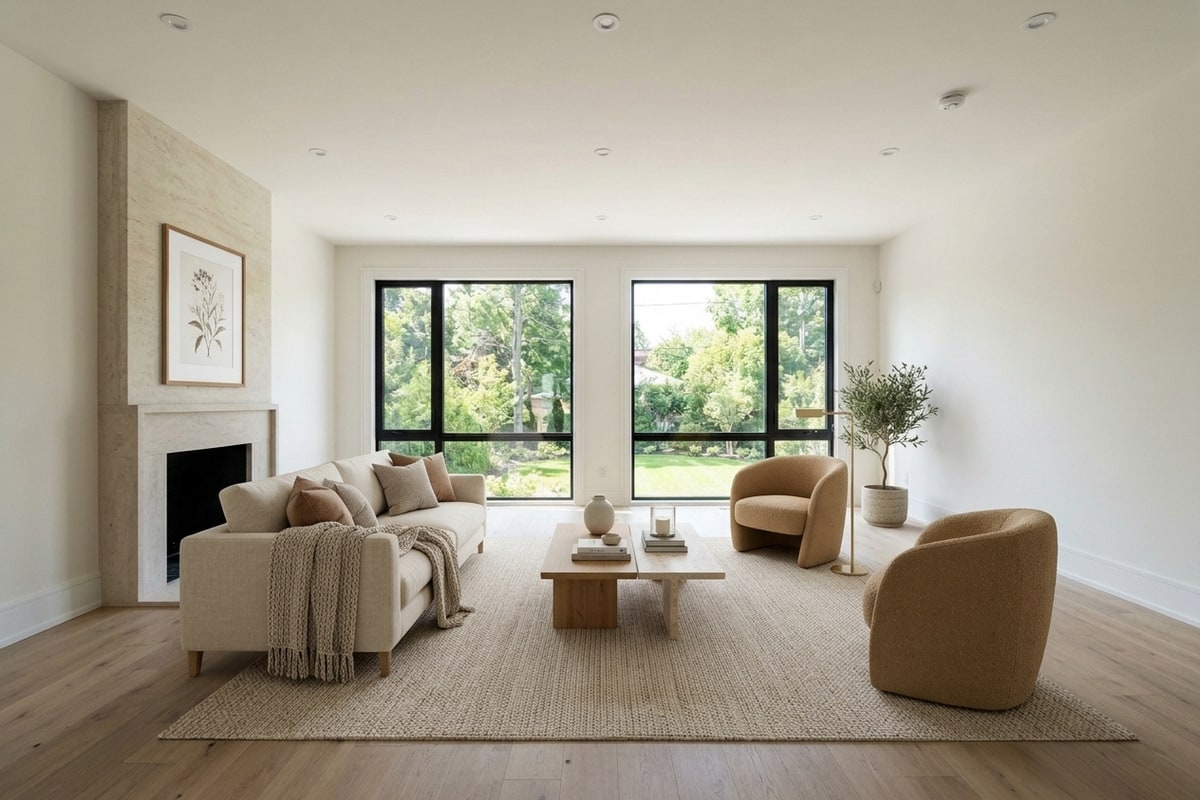
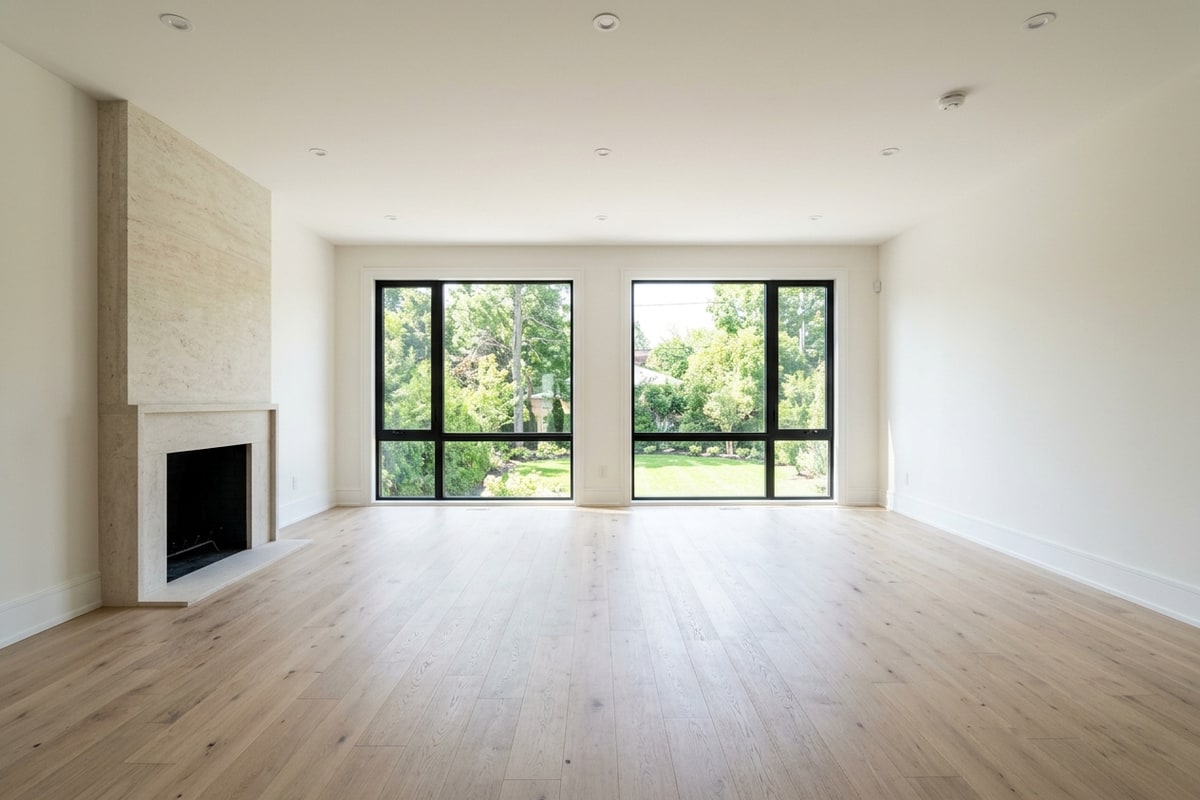
Sample Proof
Vacant hardwood room vs. virtually staged proof
Most MLS boards require clear 'Virtually Staged' disclosure and many require uploading the empty original photo right next to the staged photo. Review full MLS disclosure guide.
When virtual staging converts buyers best
- ✓Vacant homes, flips, and new construction listings that photograph cold when empty
- ✓Awkward or open-plan living/dining rooms where buyers struggle to judge scale
- ✓Testing Warm Contemporary, Scandinavian, Coastal, or Transitional looks
- ✓MLS galleries requiring a 'Virtually Staged' label and original empty photo
3 steps to virtually stage an empty room
- 01Choose Virtual Staging and pick one of the 4 interior style presets.
- 02Upload your empty room photo and verify that windows, doors, and floors stayed intact.
- 03Download clean 2K HD, 'Virtually Staged' labeled HD, and the original empty photo.
Included Interior Style Presets
Four curated residential staging styles & best room fits
Select a style inside the workbench above to match neighborhood architecture and buyer expectations without clashing with fixed trim or flooring.
| Preset Name | Palette & Materials | Best Architectural Fit | Structural Lock |
|---|---|---|---|
| Warm Contemporary | White oak, linen sofa, soft brushed brass, neutral wool rug | Modern renovations, suburban open-plan living rooms, townhomes | Walls, windows, baseboards & flooring fixed |
| Scandinavian Light | Pale ash wood, slim silhouettes, airy cream & stone textiles | Bright condos, smaller bedrooms, studios needing visual breathing room | Walls, windows, baseboards & flooring fixed |
| Coastal Bright | Crisp white slipcovers, woven rattan, soft slate-blue accents | Waterfront homes, sunrooms, screened porches, warm-climate builds | Walls, windows, baseboards & flooring fixed |
| Classic Transitional | Tailored seating, rich walnut wood, balanced lamps & framed art | Traditional colonials, formal dining rooms, brick fireplaces | Walls, windows, baseboards & flooring fixed |
Selling in California or under strict MLS rules? Read our breakdown on CA AB 723 pairing requirements before publishing.
Other listing photo tools on Listing Photo Editing
Compare credit packs ($0.98–$1.80) →Frequently asked questions
Does virtual staging ever change flooring, walls, or windows?+
Our staging prompts lock all permanent architecture — walls, hardwood planks, tile, windows, fireplaces, and recessed lights. Always inspect the Before/After curtain before posting.
Do you include a 'Virtually Staged' watermark option for MLS?+
Yes. Every unlocked Virtual Staging download includes both a clean 2K file and a 1-click 'Virtually Staged' labeled JPEG, plus a 1-click download of your original empty photo.
How does pay-per-photo pricing work?+
No monthly subscription. Packs start at $9 for 5 edits ($1.80/photo), $25 for 20 edits ($1.25/photo), or $59 for 60 edits ($0.98/photo), valid for 2 years.